---
title: How can I set up the open workflow for an inspection submission?
description: Learn how to activate Action Tracker Workflows in your Inspection Form Settings.
---
[Skip to content](https://support.weeversoftware.com/open-workflow-inspection#main-content)
[Submit a Support Issue](https://support.weeversoftware.com/kb-tickets/new?hsLang=en)
[](http://weeversoftware.com/)
Open main navigation
Close main navigation
- [Submit a Support Issue](https://support.weeversoftware.com/kb-tickets/new)
How can we help you?
- There are no suggestions because the search field is empty.
1. [Weever Knowledge Base](https://support.weeversoftware.com/?hsLang=en)
2. [Weever Inspections](https://support.weeversoftware.com/weever-inspections?hsLang=en)
3. [Form Builder](https://support.weeversoftware.com/weever-inspections?hsLang=en#form-builder)
# How can I set up the open workflow for an inspection submission?
## Learn how to activate Action Tracker Workflows in your Inspection Form Settings.
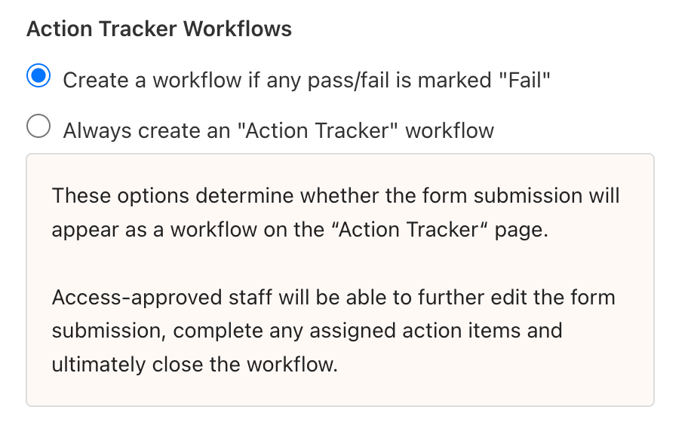
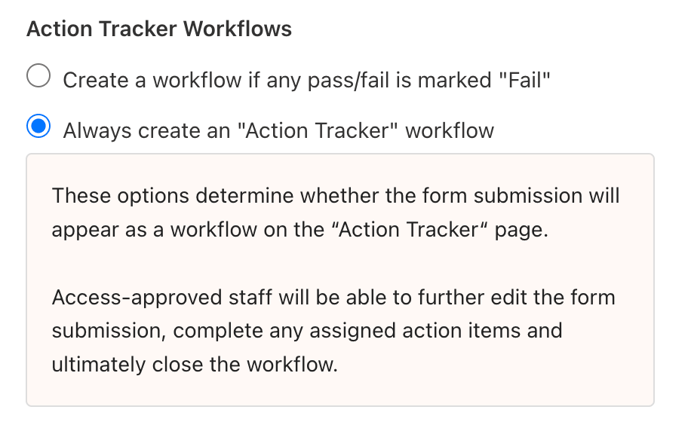
### **You have 2 options for creating open workflows:**
- **Only Failed inspections** can create an open workflow,
- **Both Passed and Failed** inspections can create an open workflow.
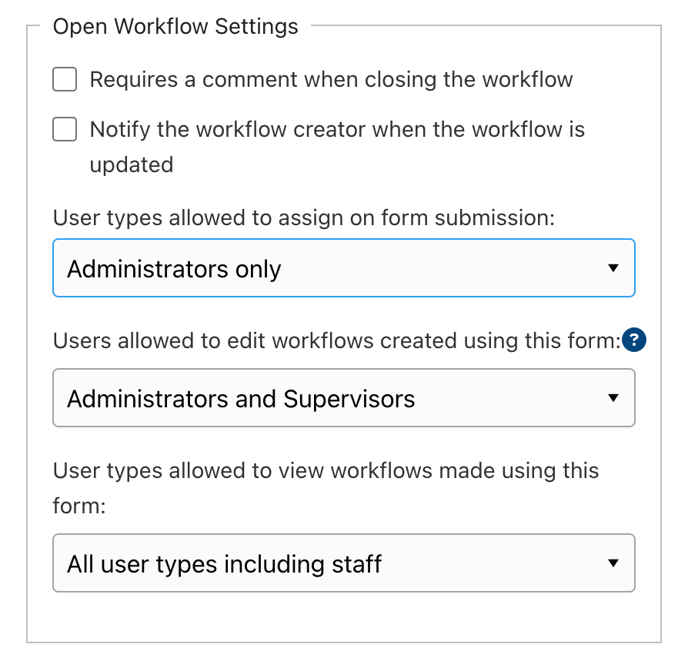
You can also configure **permissions** to control how open workflows behave for different users:
Once an inspection is submitted, your open workflow will appear on the **Action Tracker** page, where you can continue working on it.
If you’re unsure what a workflow is or how it works, you can find an explanation [here](https://support.weeverapps.com/workflows?hsLang=en).
**Good to Know**
Don’t worry - you don’t need to update any inspections you’ve already built. By default, open workflows are automatically created for failed inspections.
[](https://weeverapps.com)
Weever Knowledge Base
Copyright © 2026, Weever