---
title: How can I avoid a backlog of open workflows in Action Tracker?
description: Learn about ways you can prevent an unnecessary backlog of open workflows in Action Tracker.
---
[Skip to content](https://support.weeversoftware.com/how-can-i-avoid-a-backlog-of-workflows-in-action-tracker#main-content)
[Submit a Support Issue](https://support.weeversoftware.com/kb-tickets/new?hsLang=en)
[](http://weeversoftware.com/)
Open main navigation
Close main navigation
- [Submit a Support Issue](https://support.weeversoftware.com/kb-tickets/new)
How can we help you?
- There are no suggestions because the search field is empty.
1. [Weever Knowledge Base](https://support.weeversoftware.com/?hsLang=en)
2. [Weever Forms](https://support.weeversoftware.com/weever-forms?hsLang=en)
3. [Action Tracker & Workflows](https://support.weeversoftware.com/weever-forms?hsLang=en#action-tracker-workflows)
# How can I avoid a backlog of open workflows in Action Tracker?
## Learn about ways you can prevent an unnecessary backlog of open workflows in Action Tracker.
### There are 3 scenarios where a workflow is created:
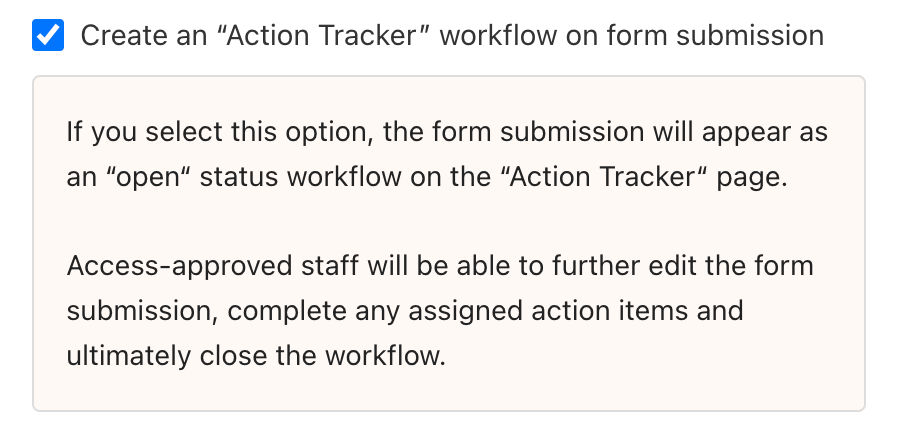
1\. A **form** that has the Action Tracker **workflow setting enabled** is submitted.
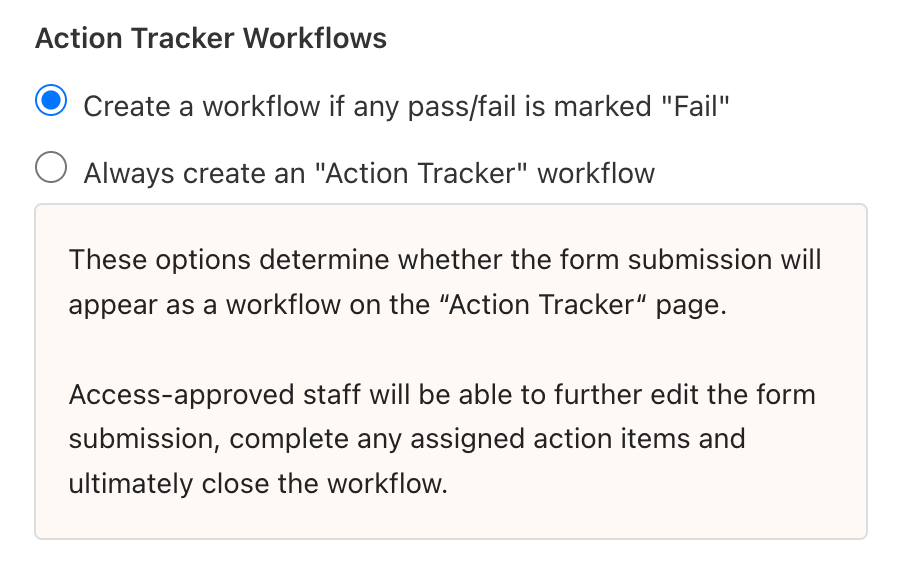
2\. An **inspection** that has the **Action Tracker workflow setting for failures enabled** is submitted.
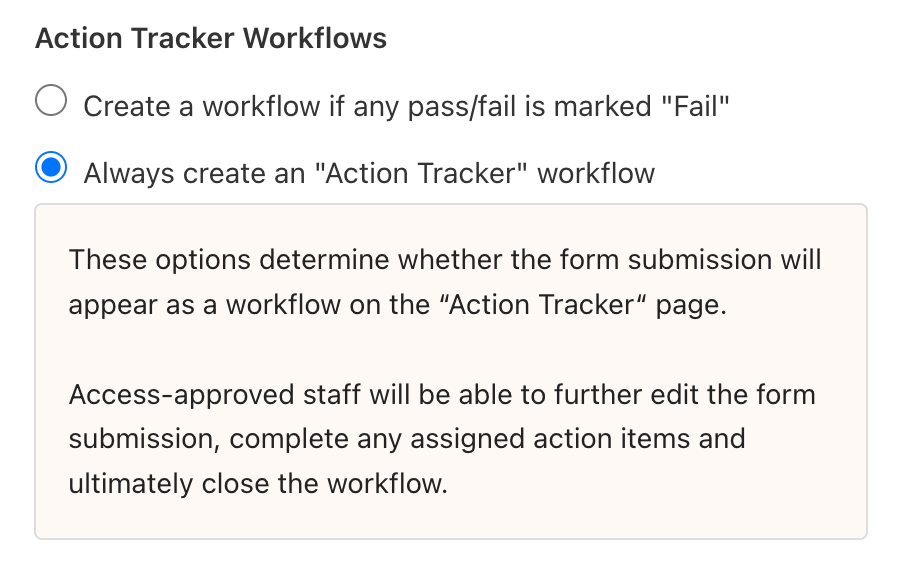
3\. An **inspection** that has the **Action Tracker workflow setting for all inspections enabled** is submitted.
### Adding Auto-Close Function to Forms & Inspections
***Auto-Close for Form Workflows***
If Staff-level users do not need to view/edit workflows, you can disable the workflow setting and have Administrators and Supervisors use Form Reports to view reports, edit submissions and update status.
💡 Learn more here: **[How does the Form Reports page work?](https://support.weeverapps.com/en/form-reports?hsLang=en)**
***Auto-Close for Inspection Workflows***
If a failed inspection does not require follow up or review, you can add a manual or automated auto-close function to the inspection form.
Manual Method #1:**[Use the Auto-Close Workflow field](https://support.weeverapps.com/auto-close?hsLang=en)**
Manual Method #2: **[Use the Pass Percentage Field](https://support.weeverapps.com/auto-close-field-trigger?hsLang=en#pass-percent)**
Automated Method: **[Use a Multiple Choice Field](https://support.weeverapps.com/auto-close-field-trigger?hsLang=en#multi-choice)**
[](https://weeverapps.com)
Weever Knowledge Base
Copyright © 2026, Weever